Type
Identified by
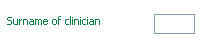
A text box requiring a textual answer, maybe with an expand arrow to the right. See image
Thesaurus questions are clinically significant text questions that can be coded against a medical dictionary. They are displayed as a text box with an orange border. See image

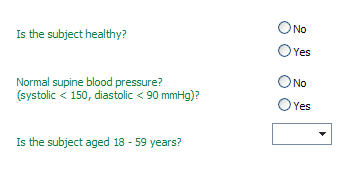
A set of option buttons, check boxes or a drop down list. See image
A small text box requiring a numerical answer. See image

A small text box requiring a date as an answer maybe with a drop down arrow to the right. See image

A paperclip icon or a magnifying glass icon if the question has already been answered. See image

A small text box requiring a laboratory test result as an answer. See image
