Open the SDV Browser. How to do this...
Select File > Print SDV List or click the Print SDV List icon  located at the top of the screen beneath the menu options.
The report is displayed in the Print Preview window. See image
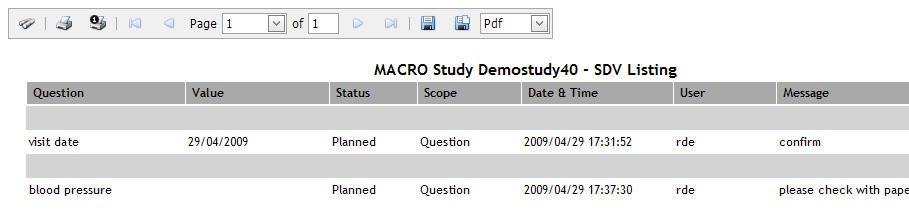
Click the Print Report icon located above the report to display the standard Print window. See image

Specify your print settings and click Print.